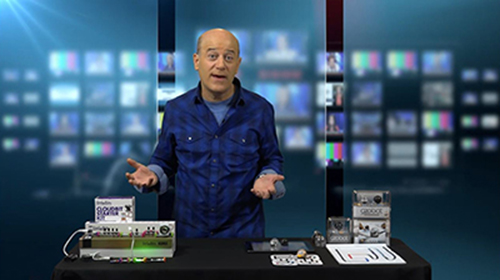
What’s Wow Now is a series of nationally syndicated technology/innovation television segments produced and hosted by Steve Greenberg.
Each editorially-driven segment showcases 2-3 new products in each brief, aprroximately 90 second segment.
Steve Greenberg is a recognized technology expert, TV personality, author and product scout.
About Steve
media info
your feedback
SteveGreenberg.tv Site
copyright ©